20 Editable Vector Graphic Sets for Posters, Logos and Data Design
- Project
- Graphic Design
- Drawn by
- Dirk Petzold
- Issued
- Sheet
- A-33
A practical guide to 20 vector sets, with a closer look at editable files, modular shapes, poster styles, textures and infographic workflows.
Editable structure is what makes a graphic asset useful after the first export. A shape library can offer dozens of striking forms, but it earns a place in a working file when its paths, type, colors and groups remain easy to revise. This roundup covers 20 vector sets reviewed by WE AND THE COLOR, from logo marks and poster layouts to patterns and data graphics.
The sets are aimed at print and web work, though their formats and editing depth vary. The review uses four checks for editability: shapes remain vector paths, labels and numbers stay as live type, colors can be remapped together, and icons are grouped individually. Its three-level Edit Depth scale adds a useful distinction: Level 1 supports recoloring, Level 2 lets designers ungroup and recombine components, and Level 3 keeps stroke weights and type editable. Few sets reach the top level.
Professional vector software is needed to edit many of these files. The source recommends Adobe Illustrator and links to Creative Cloud. The file formats listed across the roundup include AI, EPS, SVG, PNG, JPG and PDF.
Shape libraries built from reusable parts
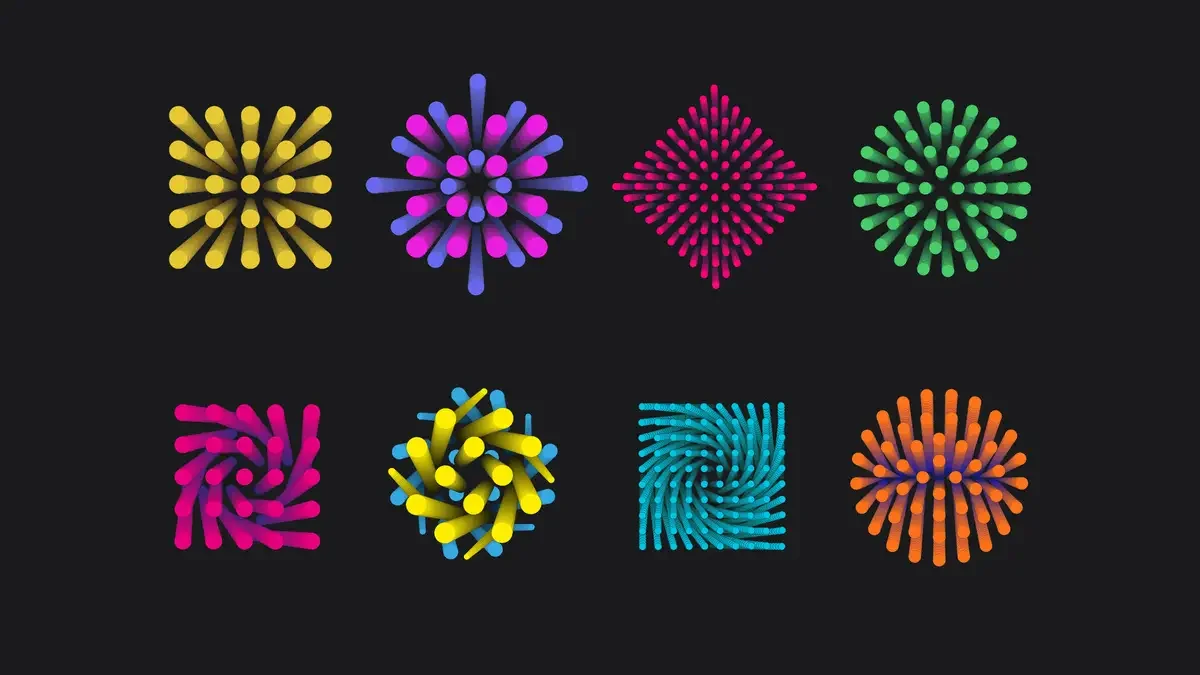
Geometric packs work like a parts bin: forms can be scaled, recolored and combined into new compositions. Oleg R.’s abstract set is the most visually forceful example. It contains more than 70 shapes against black, using electric cyan, vivid magenta, solar yellow and red. The native AI file includes rounded rectangles, tapered strokes, spirals and radial bursts. Its gradients reinforce the sense of movement inside otherwise static shapes.
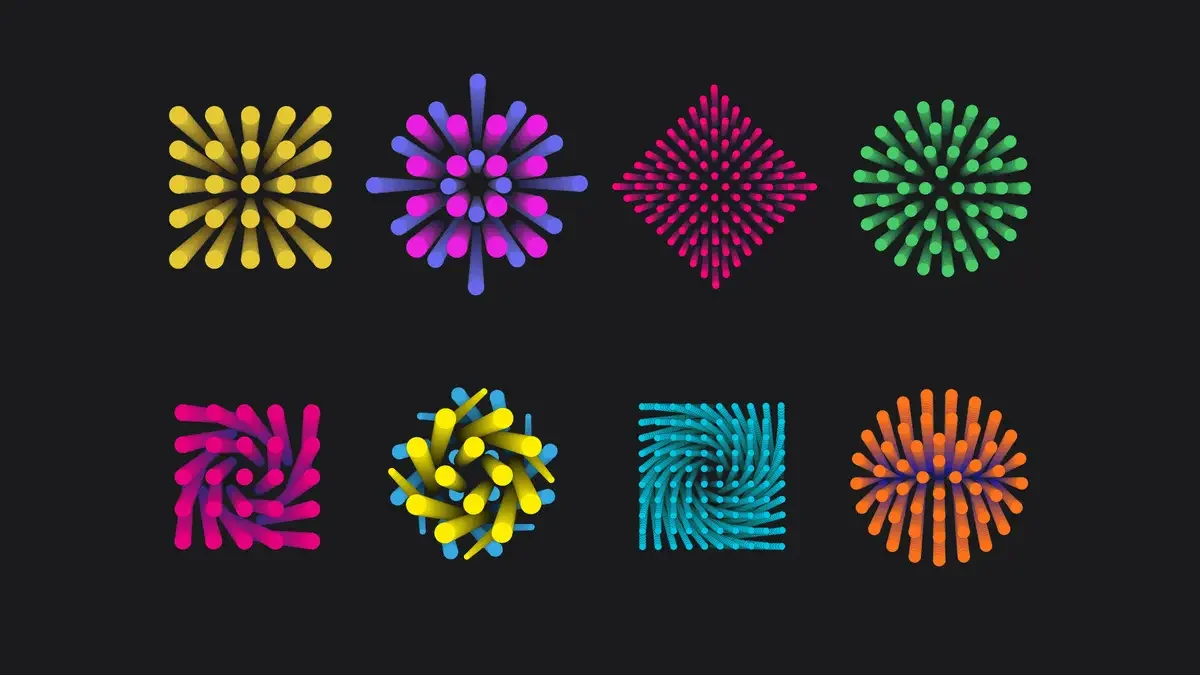
Find Oleg R.’s set on Adobe Stock. To shift its palette in Illustrator, select the artwork and use Edit > Edit Colors > Recolor Artwork. The component shapes can be ungrouped, putting the set at Level 2 in the review’s scale. Its spirals and bursts make it a natural starting point for motion graphics.
Other shape libraries serve different needs. Vanzyst’s 120 abstract geometric vector shapes offers a larger volume of forms. Leo Alexandre’s Geometrica 2 is a second release of editable geometric graphics, while Normform’s abstract graphics for posters and covers are already framed for layout work.
Logo marks and poster systems
Nowshinz Shoma’s 104 geometric logo marks are supplied in AI for Illustrator CC, EPS for CS6, plus black and white PNG and SVG files. The review places the set at Edit Depth Level 2 because its AI files expose the anchor points. It also notes a practical constraint: a symbol must stay legible at small sizes, with a 16-by-16-pixel favicon serving as a demanding test. The review says the standard license covers client projects; selling the files as a collection requires the Extended Commercial License.
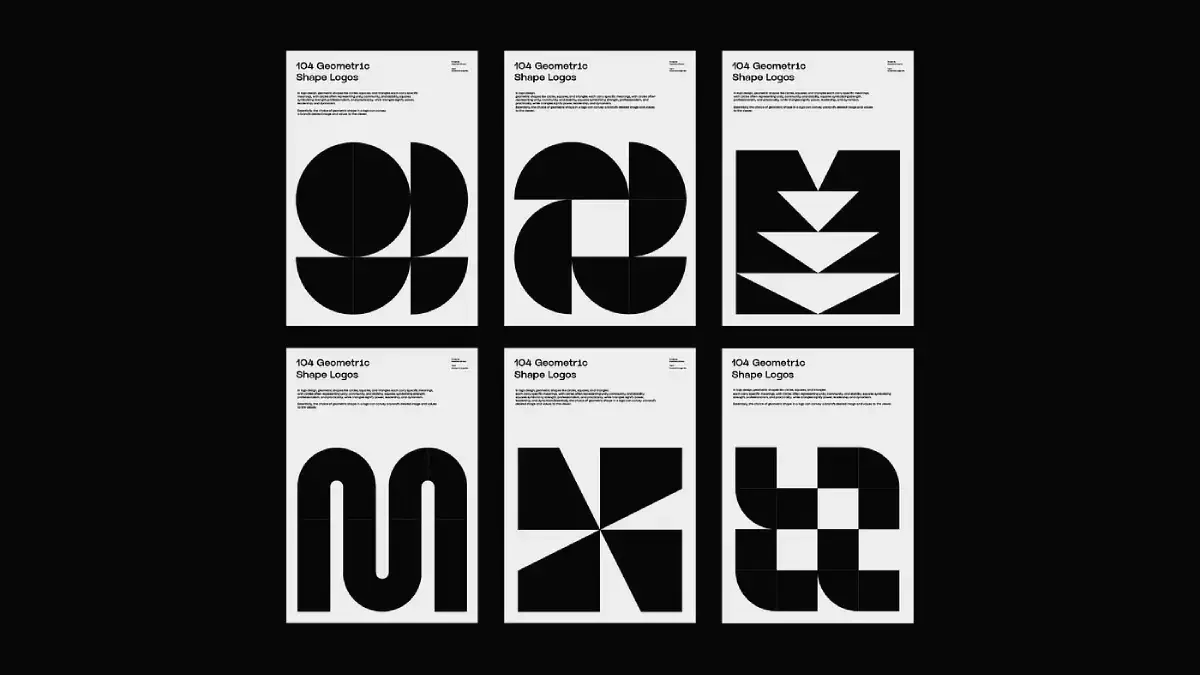
Find the logo kit on Creative Market. Three other options cover distinct styles: Kloroform’s Monozen 2 uses geometric line work for icons and logos; DesignCoach’s vintage logo badges lean into outdoor and retro references; and Amito Vectors offers 30 customizable logo templates as a free download. A free file can serve as a quick way to check whether paths, type, colors and groups are genuinely editable before choosing a paid kit.
Poster templates make stronger stylistic commitments. Blackcatstudio’s Swiss-style template draws on 1950s geometry and is made for Illustrator. The Bauhaus vector posters look further back, while Rawpixel’s psychedelic templates and max_776’s brutalism and postmodern graphics take different visual routes.
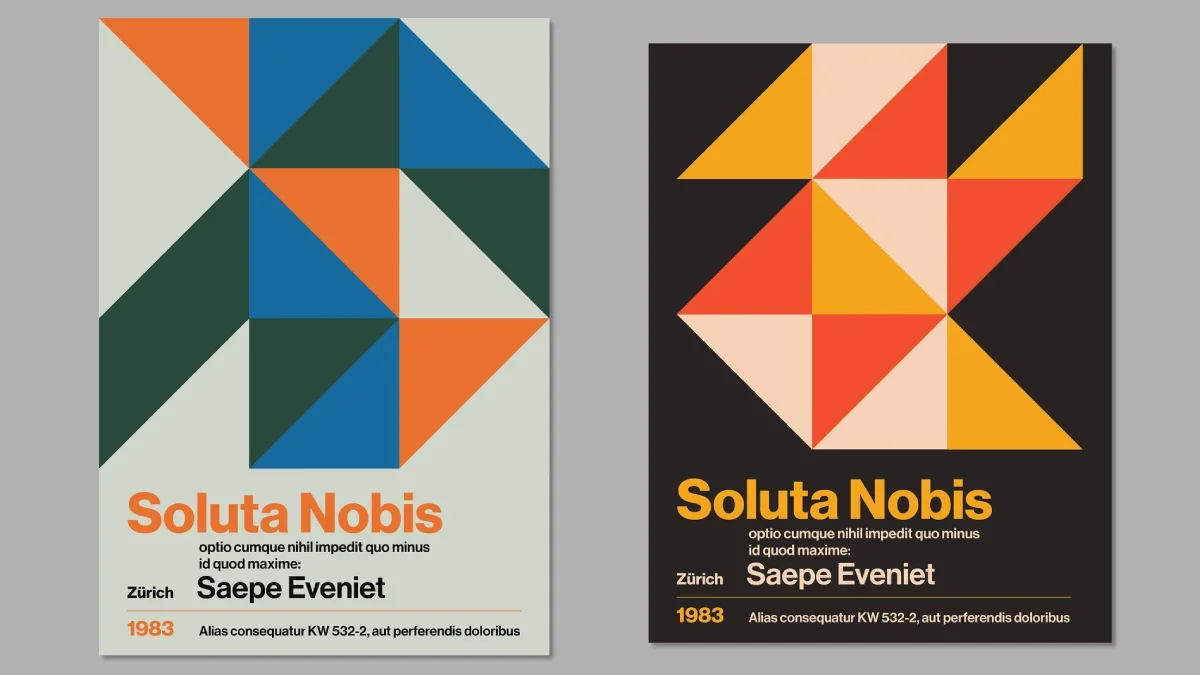
Find the template on Adobe Stock. For a tight deadline, the review favors grid-based Swiss and Bauhaus layouts: their structure tends to accommodate replacement headlines with less adjustment than more ornate designs. The useful test is how much of the template must change before the new content fits.
Texture and repeating patterns
Leila Divine’s RISO Shapes combines 72 geometric shapes with a risograph-inspired texture. The package also includes 12 tileable backgrounds, 12 patterns and six square cards, in AI, EPS and PNG. Risograph printing uses a master stencil and applies ink one color at a time; grain and slight misalignment are part of its appearance. Here, those qualities are carried into scalable graphic files. Before building a larger layout, test how a palette change affects the texture.
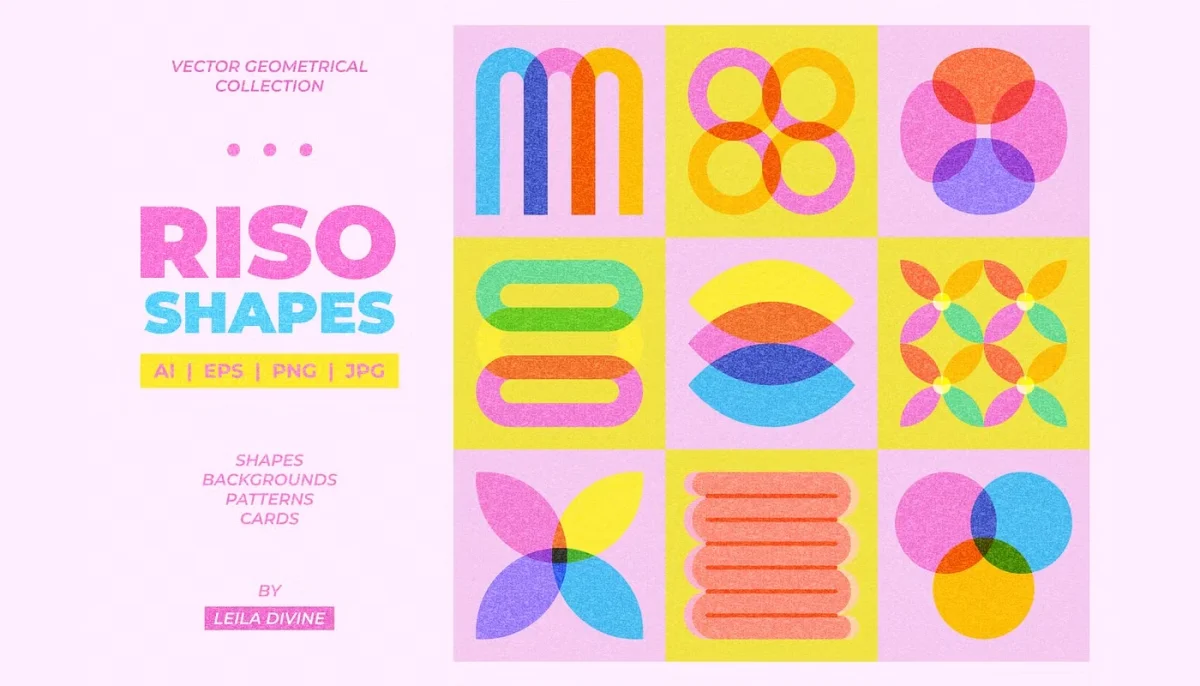
Find the collection on Creative Market. Bloomicon’s colorful background patterns draw on mid-century minimalism, pop art, Swiss design and the Bauhaus. The review counts more than 100 seamless repeats, suited to web backgrounds, wallpaper and textiles. Kloroform’s Greydient 3, Daryna’s abstract vector graphics and Softulka’s 230-graphic set round out the more varied collections.
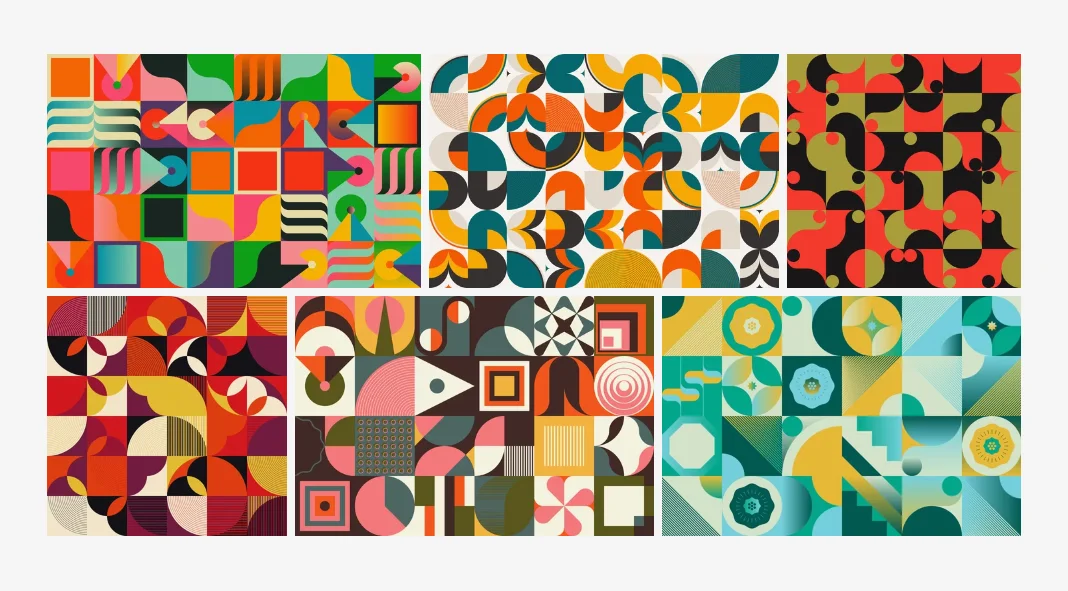
Find Bloomicon’s patterns on Adobe Stock.
Infographics and functional graphics
Petr’s Business Infographic Set is built around seven swatches: crimson, teal, orange, navy, slate gray, light gray and white. The shared palette gives charts and timeline markers a consistent visual language. Its horizontal timeline arranges eight milestones on alternating sides of a central line; a vertical version reuses the same years. The review says labels remain live type, making this one of the sets that reaches Level 3 edit depth.
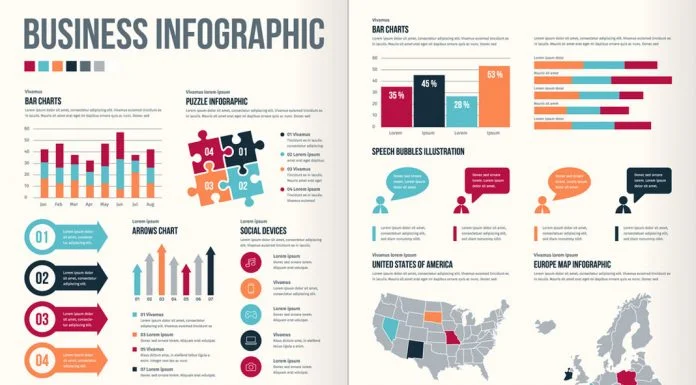
Find Petr’s set on Adobe Stock. Some modules need revision: the continent silhouettes read as decoration, and the people pictogram divides figures into men and women, with sample values of 36 and 28. The sample years stop at 2018. The review’s suggested workflow is four passes: update data, adjust geometry, recolor, then revise type. This order lets the numbers determine the chart shapes before styling is finalized.
Vanzyst’s 200 utilitarian graphics cover diagrams, charts, abstract shapes, lines and scribbles. The kit keeps stroke weights editable and text live in PDF, AI and EPS. It also includes 200 separate SVG files, alongside PNG and JPG images at 5000 by 5000 pixels and 300 dpi. The review lists Creative Market and YouWorkForThem as places to obtain it.
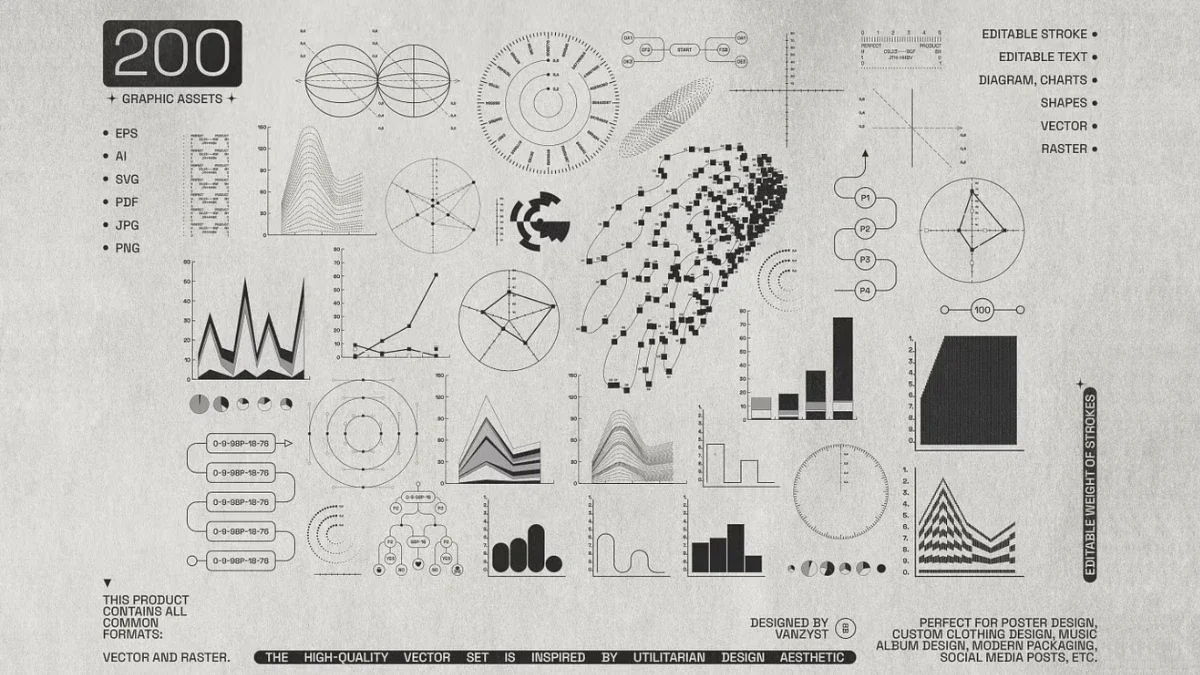
Find the kit on Creative Market or YouWorkForThem. For comparison, Tartila’s editable charts and infographics are another data-focused option. The distinction between minimal and utilitarian design is useful here: a spare layout removes elements for effect, while a functional kit needs each part to serve a clear task.
Choosing a set for the job
The largest collection by item count is Softulka’s 230 graphics, followed by Vanzyst’s 200-piece kit. For a first editability check, open a single module and test whether its paths, type, colors and groups respond as expected. With charts, begin by checking the data and labels; with logos, reduce a mark to favicon size; with textured shapes, try a palette change before placing them in a full composition.
File format affects where a set fits into a workflow. AI supports direct Illustrator editing, EPS can serve older print workflows, SVG is useful on the web, and PNG offers a quick raster preview. Some sets list compatibility with other tools: the Nowshinz Shoma review mentions EPS and SVG support in Inkscape, Affinity Designer and CorelDRAW. Check each listing and its license for the terms that apply to a project.
For accessibility, the source recommends checking text contrast after recoloring. It cites WCAG 2.1 AA contrast ratios of at least 4.5:1 for small text and 3:1 for large text. A palette that looks cohesive across shapes can still make labels hard to read, so test the final combinations in context.
These collections show why editable structure matters: the same asset can move from a first draft into a client layout when its components remain under the designer’s control. Start with the set whose visual language fits the job, then test one representative module before building the whole design around it.
| Rev | Description | Date |
|---|---|---|
| A | Issued for reading | |
| B | Viewed 705 times | Current |