10 Graphic Design Trends for 2027: Process, Flexible Identities and Display Controls
- Project
- Graphic Design
- Drawn by
- Dirk Petzold
- Issued
- Sheet
- A-30
The strongest 2027 design signals show how work was made and how identities adapt, from filmed materials to adjustable glass and variable type.
The clearest design signal for 2027 may be the work behind the finished image. Smooth surfaces are easy to generate, so polish alone says little about authorship. The trends gaining ground instead point to decisions that can be seen, tested or documented: a logo filmed as a physical object, an identity delivered as a system of variations, and interface assets checked across user-controlled display settings.
That shift came into view during 2026. At WWDC on June 8, Apple introduced a Liquid Glass slider ranging from ultra-clear to fully tinted. Two weeks later, the Cannes Lions Design Jury awarded its Grand Prix to Apple TV’s rebrand, made with real glass lettering filmed in camera rather than computer-generated imagery. Those examples sit alongside broader questions about how designers can show where an image came from and how much control a user has over its appearance.
WE AND THE COLOR ranks ten trends by two measures: how visible each is now and how quickly it appears to be growing. The scoring is editorial judgment, informed by award results, platform announcements, dates, and color forecasts. The six terms introduced below are the guide’s own working labels, offered as useful shorthand rather than established industry language.
How to read the rankings
Heat describes how often a look appears in notable new work. Slope describes its rate of growth over the coming twelve months. A familiar style can have high heat but little momentum; a less common approach can deserve attention if its slope is steep. This Heat-and-Slope Test gives design teams a way to discuss both present visibility and likely direction without treating a forecast as certainty.
Four visual approaches already have considerable heat: base-and-spike color, poster-scale type, scanned texture, and identity systems built around rules. Proof-of-process work and provenance labels start from a smaller base but have steeper slopes. Adjustable glass interfaces are also rising quickly. Here’s the practical point: the most useful choices often change what a team documents or delivers, not just what a finished layout looks like.
1. Proof-of-process work
Heat: medium. Slope: steep.
A brushy edge or visible grain used to suggest handmade work can now be imitated by image-generation tools, especially at small sizes. Process documentation offers a stronger clue to how a piece came together. Apple TV’s rebrand is a vivid example: TBWA\Media Arts Lab and Optical Arts cut glass into the Apple logo and TV lettering, arranged the lights by hand, and filmed the results. Apple released three edits; the longest is twelve seconds.
The jury praised the work as gloriously human-made. Its appeal lies partly in the visible chain from material to image. A team can bring that thinking into everyday projects without elaborate production: record sketches, keep version history, photograph physical tests, and capture the choices that shape the final file. The practical test is simple: could you show how the work developed, rather than relying on its surface to tell that story?
2. The Provenance Strip
Heat: low. Slope: very steep.
A Provenance Strip is a small part of a layout that names the author, date, tools, and number of iterations. The idea is to bring details about an image’s origin out of file metadata and into the work itself. ComfyUI images, for example, can carry a node graph that preserves the settings used to make them. A designer could turn selected process details into a printed or on-screen credit.
The source points to Article 50 of the EU AI Act, which began applying on August 2, 2026, and describes disclosure requirements for certain generated material. It also notes that providers of systems launched earlier have until December 2, 2026, to add machine-readable markers. These requirements concern disclosure; they don’t by themselves establish how much human judgment shaped a finished design. A visible strip could make that context easier for readers to inspect, though its conventions and value will depend on how designers use it.
3. Range Sheets instead of one logo file
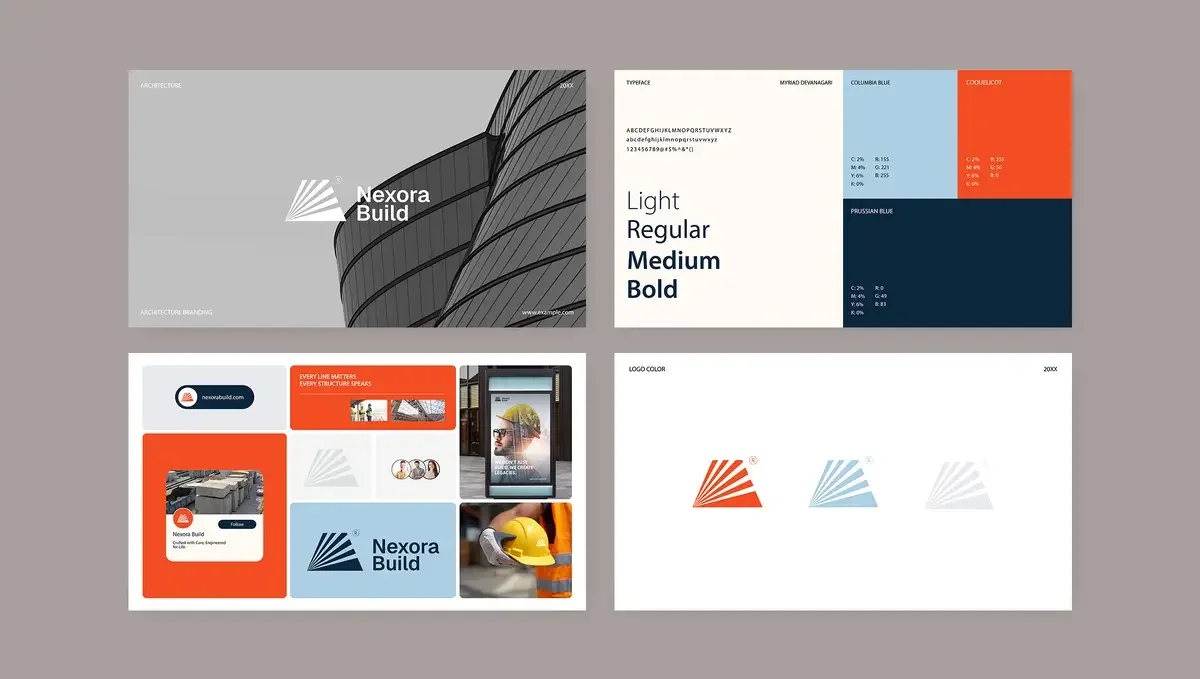
Heat: high among large brands. Slope: rising.
A Range Sheet describes an identity through a set of approved outputs and deliberate boundary cases, rather than a single “correct” logo. The shift reflects how adaptable brand assets are increasingly built. Apple’s icon format stores layers that can be used to create dark and tinted versions. SF Symbols similarly lets a designer define extremes while a system interpolates weights between them.
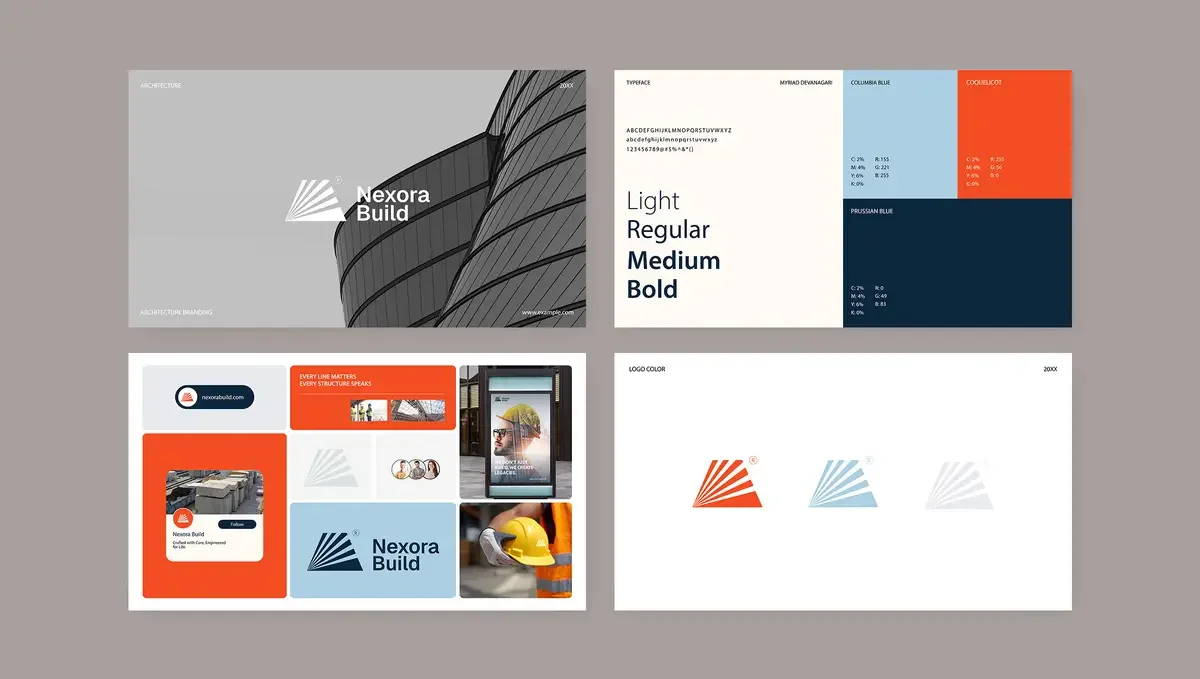
That approach is more useful than handing over a flat mark when a brand needs to flex across screens, crops, and motion. A practical handoff might include a variable font, a parameter table, a contact sheet of accepted combinations, and a few examples showing where the system should stop. Some identities also define how lettering changes weight or tilt as it moves. The key test is whether the rules still produce coherent work when the output is unfamiliar.
4. Design for adjustable glass
Heat: medium. Slope: steep.
Apple introduced Liquid Glass with iOS 26. Early complaints focused on text legibility over translucent panels. At WWDC on June 8, Apple presented an iOS 27 slider that lets users move from ultra-clear glass to a fully tinted appearance. The design also diffuses complex content behind glass panels and gives app icons distinct glass layers.
Dial-ready design means checking every asset across the available settings, because the user—not the designer—chooses the final appearance. Start by viewing the app icon at both ends of the slider. Place the logo over a busy photograph. Then measure body-text contrast against the WCAG minimum of 4.5:1. The interface effect is only successful if information remains legible as the glass changes. This is a useful reminder for any translucent surface: test the range people can actually select, not just the art-directed default.
5. Base-and-spike color
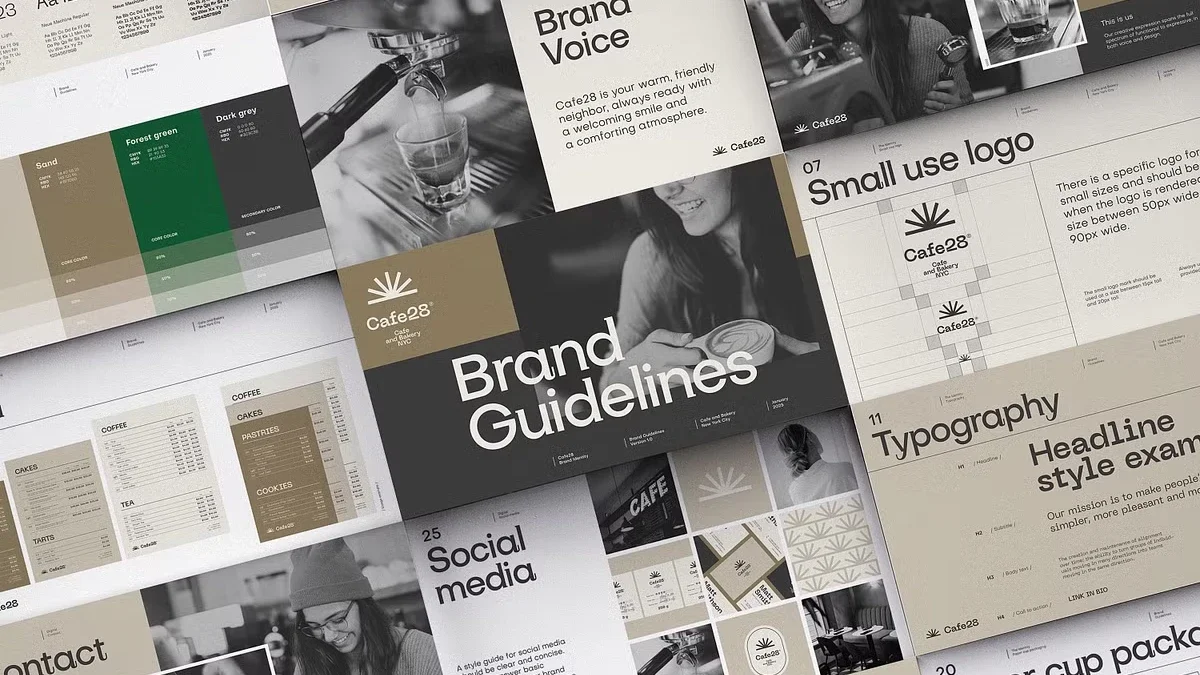
Heat: high. Slope: rising.
The guide frames this approach as a warm, restrained base carrying one highly saturated accent. Pantone named Cloud Dancer (PANTONE 11-4201), a warm white with hex value #F0EEE9, its Color of the Year for 2026. Announced on December 4, 2025, it was the first white selected in the program’s history. The writer questions the choice as a headline color but sees a practical role for it as a base.
For 2027, WGSN and Coloro named Luminous Blue (Coloro code 125-28-38) their Color of the Year. Energy Orange (018-57-34) is among five key colors for spring and summer 2027. The likely design opportunity is the relationship between them: let a warm neutral carry the layout, then use blue or orange for a concentrated accent. Test off-whites on uncoated stock before approval; a screen can make subtle paper colors look more consistent than they will in print.
6. Scanned texture with a source
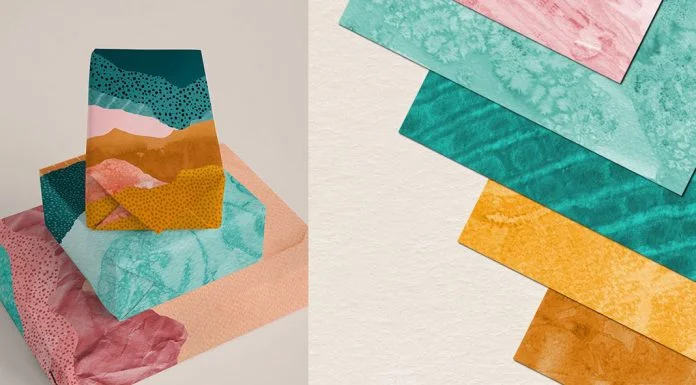
Heat: high. Slope: rising.
After years of smooth gradients, grain and scanning artifacts are taking up more space in graphic work. The distinction that matters is where the texture comes from. A generic Photoshop grain layer can read as a filter; dust on scanner glass or a streak from a worn copier records a particular material and moment.
Risograph overprints have become familiar enough that the office copier is an appealing next source. Scan paper, marks, or found materials at 600 dpi and retain the dust and unevenness. The image then carries evidence of an actual process, not just a preset effect. This doesn’t make every texture more meaningful, but it gives the designer a specific origin to work with and a surface that can be repeated through deliberate choices.
7. Poster-scale type
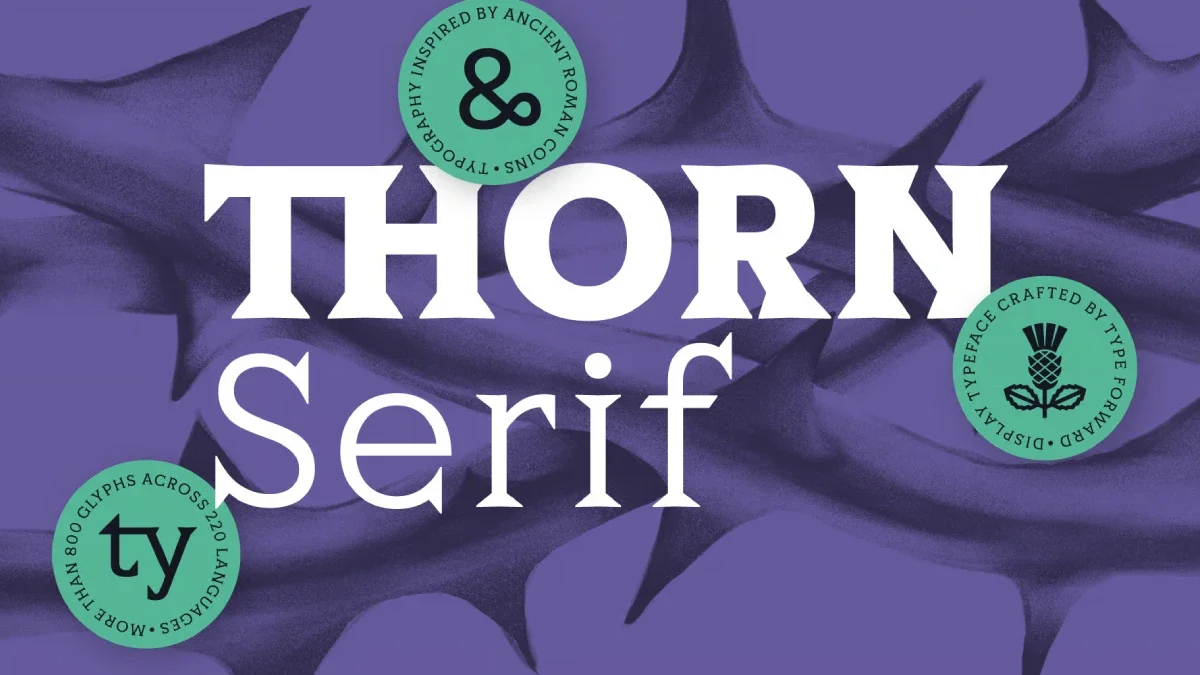
Heat: high. Slope: flat to rising.
Oversized headlines are a direct way to make a composition occupy a feed. Variable fonts make the treatment workable across different crops: designers can adjust width and weight without replacing the typeface for every format. The guide’s test is deliberately strict: if the headline doesn’t touch at least two edges of the frame, it isn’t operating at poster scale.
Scale alone won’t establish authorship. Image-generation systems can now spell many words correctly, so big lettering doesn’t prove who made a layout. The craft is in choosing the typeface, shaping its proportions, and balancing its mass against the rest of the composition. This trend is easy to try and easy to make generic.
8. Planned imperfection
Heat: medium. Slope: rising.
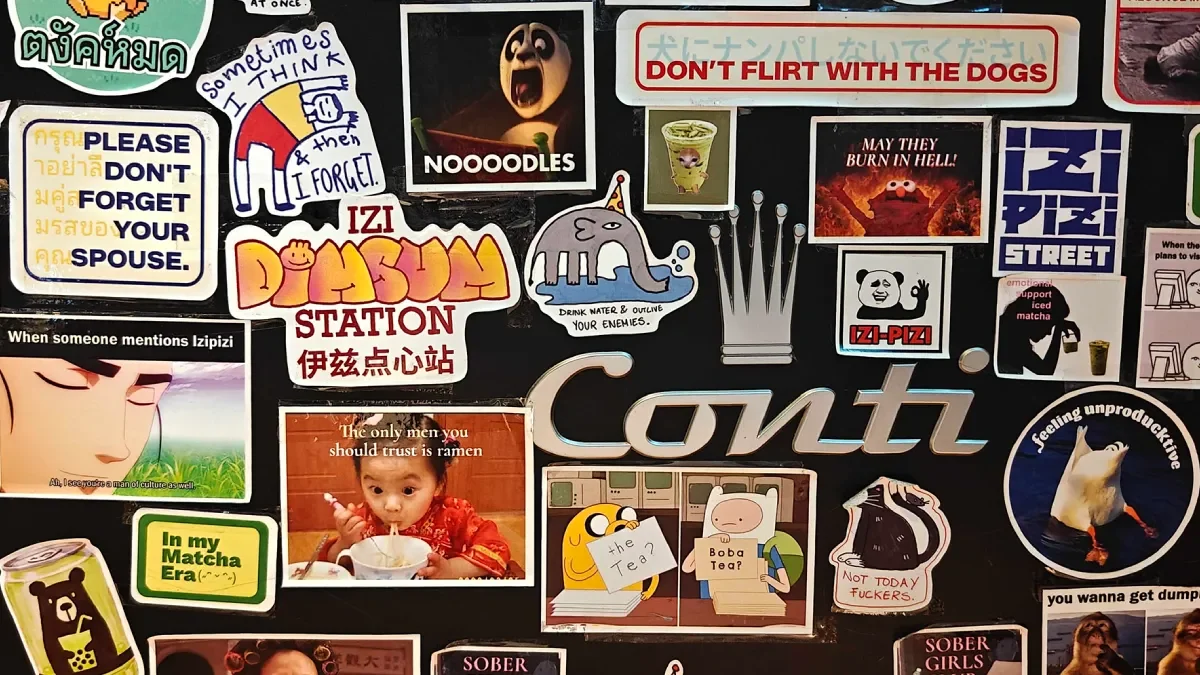
Planned imperfection gives a brand permission to break selected rules, while keeping the break inside a system. A team might approve off-register printing, awkward crops, or surreal humor as recurring elements. The work then looks loose by design rather than unfinished by accident.
A Range Sheet can set the boundaries by showing both approved variations and intentionally wrong combinations. That makes the relationship between order and disruption visible to the people applying the identity. There’s a real risk of making the result look careless. Write down the rule that’s allowed to bend before designing the exception, and make sure the joke still fits the brand’s voice.
9. Anti-machine typography
Heat: low. Slope: rising from a tiny base.
Eric Lu, a designer at Mixfont in San Francisco, created Ghost Font, a video typeface that conceals text in motion. Hundreds of dots fill each frame. Those forming the letters move upward while the background dots drift down. Freeze the video and the message disappears. Each file also includes a static decoy message intended to mislead machine-reading systems.
Lu acknowledges that the technique isn’t a complete fix and may be harder to read for people with visual impairments. The guide expects uses such as bot gating and protest posters, while predicting that video models may catch up as their ability to interpret movement improves. For designers, the immediate test is audience access: can everyone who needs the message read it? The effect is intriguing, but its use should account for people who can’t follow the moving dots.
10. Signal decay
Heat: very high. Slope: falling.
Signal decay describes what happens when a visual cue becomes so common that it stops carrying the meaning people once attached to it. The guide points to serif headlines and warm, paper-colored pages used by AI companies to seem more human. As more brands adopt that pairing, it can start to read as a familiar machine-made signal instead.
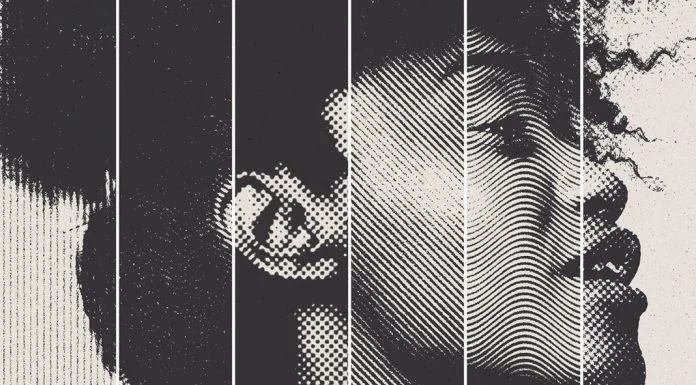
Retro effects have a similar curve. Dithering, ASCII, pixel grids, scanlines, plain grain, and halftone backgrounds will remain available, but a single effect no longer guarantees surprise. A useful audit: if three competitors rely on the same cue, assume it has lost some of its distinction. Signal decay is the only ranked entry with a falling slope.
The ten trends at a glance
| Rank | Trend | Heat today | Slope into 2027 | Practical test |
|---|---|---|---|---|
| 1 | Proof-of-Process Work | Medium | Steep | Can you film or scan your own steps? |
| 2 | Provenance Strip | Low | Very steep | Is there room for author, date, and tools? |
| 3 | Range Sheets | High among large brands | Rising | Does the identity survive ten unplanned outputs? |
| 4 | Dial-Ready Design | Medium | Steep | Does the icon work at both ends of the slider? |
| 5 | Base-and-Spike Color | High | Rising | Can one accent carry on a warm base? |
| 6 | Scanned Texture | High | Rising | Does the texture come from a real scan? |
| 7 | Poster-Scale Type | High | Flat to rising | Does the headline touch two edges? |
| 8 | Planned Imperfection | Medium | Rising | Have you written down the rule you break? |
| 9 | Anti-Machine Typography | Low | Rising from a tiny base | Can every viewer read the effect? |
| 10 | Signal Decay | Very high | Falling | Do three competitors use the same cue? |
What teams can put into practice
There’s no need to apply all ten trends at once. Start with two that change the working method: capture process evidence and rebuild one client identity as a Range Sheet. The other ideas can wait until they solve a real brief. Four actions fit into a week:
- Record the next project from its first sketch, and keep the files that show how decisions changed.
- Rebuild one client logo as a Range Sheet with ten approved outputs and three disallowed combinations.
- Check app icons and key marks at the clearest and most tinted glass settings.
- Review the portfolio for visual cues that at least three competitors also use.
Six working terms
- Heat-and-Slope Test: a way to rank trends by current visibility and rate of growth.
- Provenance Strip: a layout band naming the author, date, tools, and iteration count.
- Range Sheet: identity guidance built from approved outputs and deliberate boundary examples.
- Dial-Ready Design: assets tested across every setting of a user-controlled display option.
- Base-and-Spike Color: a quiet, warm base paired with one saturated accent.
- Signal Decay: the loss of meaning or distinction as a visual cue spreads.
Questions designers may be asking
Which trends are expected to grow fastest?
The guide gives the steepest slopes to Provenance Strips and proof-of-process work. Adjustable glass interfaces follow as iOS 27 reaches users.
Which visual cues are losing force?
Repeated combinations lose distinction. The guide singles out warm, paper-colored pages with serif headlines, plain grain overlays, and familiar retro effects as cues that need more than repetition to feel fresh.
What do these shifts mean for identity systems?
They put more weight on rules than on a single logo file. A Range Sheet and variable font can describe how an identity changes across formats, while leaving teams room to make consistent choices.
Will image generators replace designers by 2027?
The guide argues that designers still contribute process, systems, and judgment. Generators can produce images, but teams also have to decide how an identity behaves, document its making, and put their names to the result.
What is the 2027 Color of the Year?
WGSN and Coloro named Luminous Blue (Coloro code 125-28-38) their 2027 pick. Pantone’s 2026 choice was Cloud Dancer, announced on December 4, 2025; Pantone typically announces its next selection in early December.
The most durable takeaway is to make design decisions legible. Record the process, describe the range an identity can occupy, and test the surfaces people will actually see. A visual cue can be copied quickly; a well-made system gives a team more room to respond when the next format, display setting, or brief arrives.
Header image © How&How, from its rebranding project for SS Great Britain to Bristol Dockyards. Browse WE AND THE COLOR’s Graphic Design category for more.
| Rev | Description | Date |
|---|---|---|
| A | Issued for reading | |
| B | Viewed 476 times | Current |