Why Strong UI Starts With Product Function, Research and Information Architecture
- Project
- Graphic Design
- Drawn by
- Valeriia Bondarieva
- Issued
- Sheet
- A-178
Windows 8, Apple’s AI summaries and Twitter’s rebrand show how polished interfaces can miss user needs. A practical discovery process helps teams catch problems early.
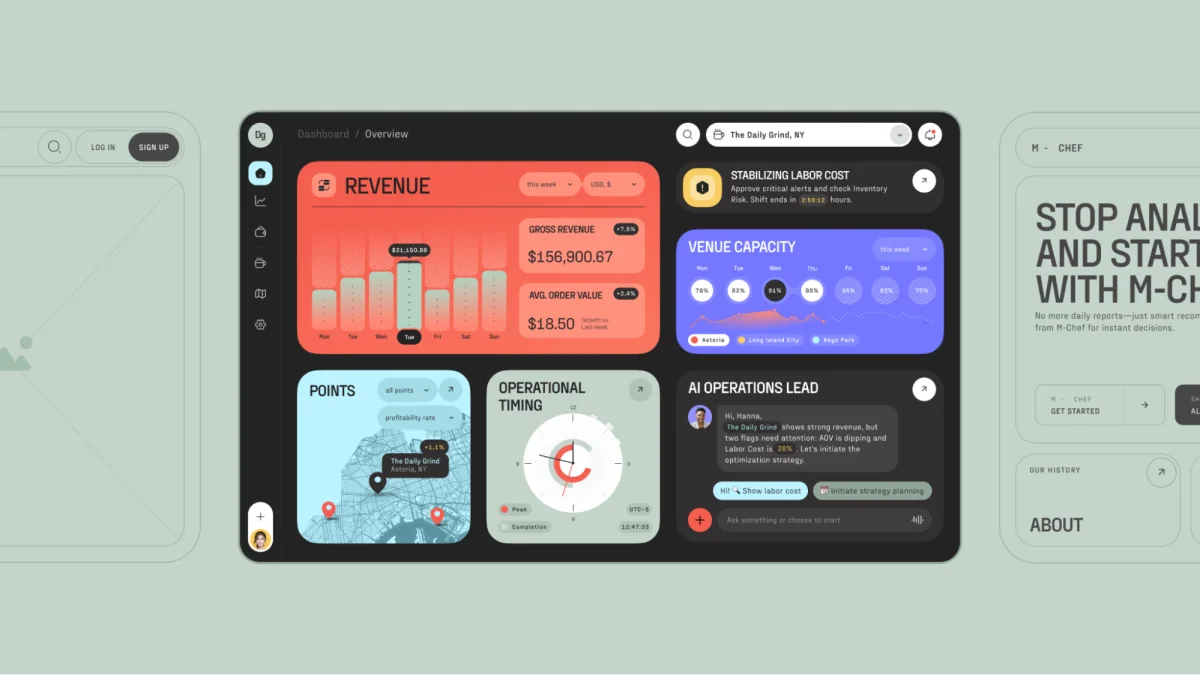
A polished interface can make an unfinished product look ready. That’s the appeal—and the risk—of starting with visual design before agreeing on what a product needs to do. When teams skip research and structure, they can end up refining screens that obscure essential tasks, confuse users or promise more than the product delivers.
The cost tends to surface later: in abandoned flows, extra support work, lost trust and expensive redesigns. The more useful question at the start is not how the interface should look, but who it serves and what they need to accomplish. That understanding gives the visual work something solid to express.
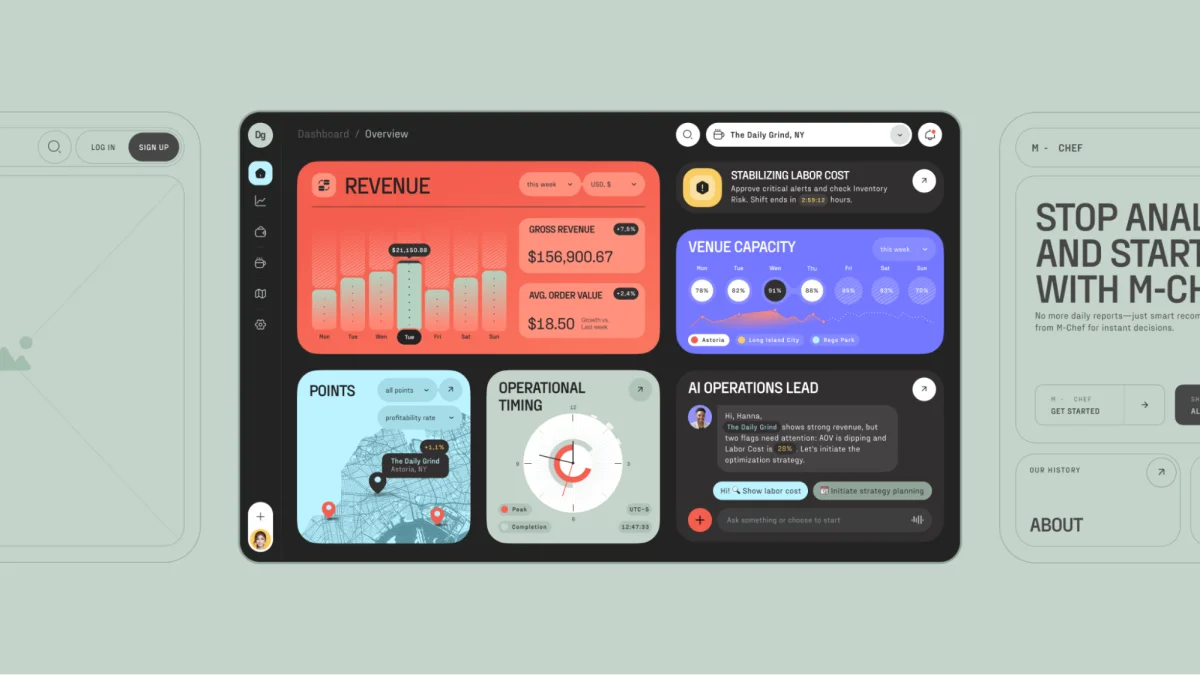
AI-Powered Operational Dashboard for Restaurant Owners
“Design is really an act of communication, which means having a deep understanding of the person with whom the designer is communicating.” — Donald A. Norman, The Design of Everyday Things
When the interface stops serving the product
Windows 8, released in 2012, replaced the familiar Start Menu with animated Live Tiles. The new interface made more sense on touch screens than on desktop computers, where many users still expected a direct, familiar way to reach their apps and files.
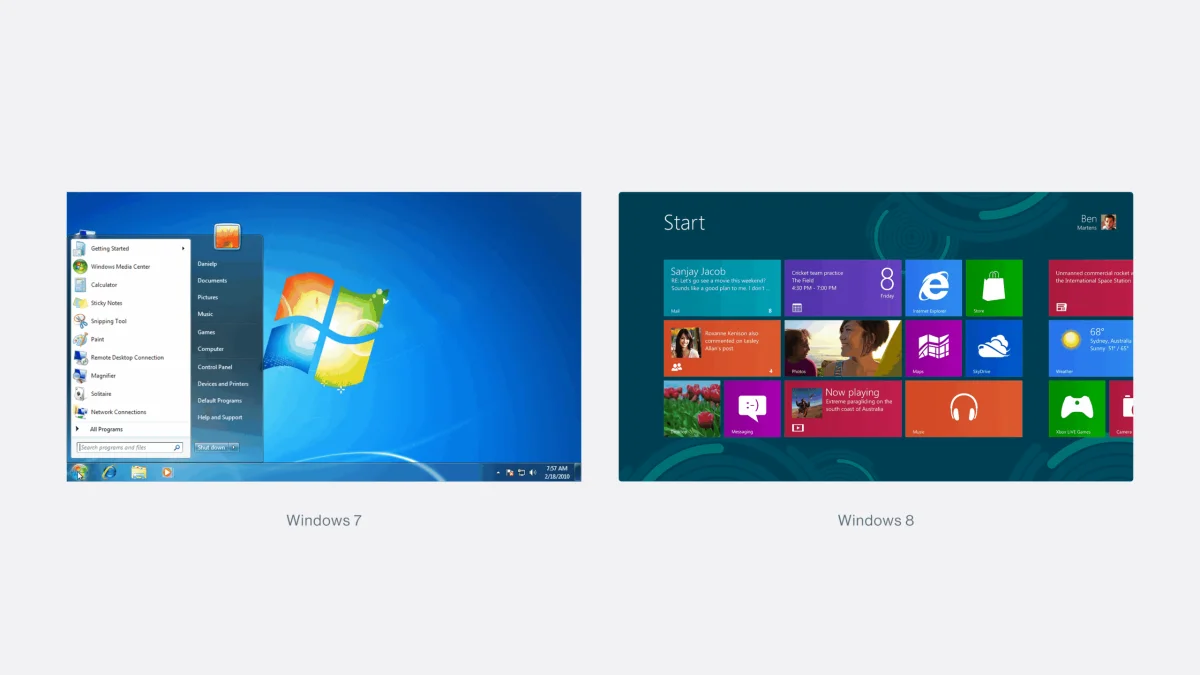
Microsoft Start Menu design: Windows 7 vs. Windows 8
Usability expert Jakob Nielsen described the desktop experience as “Mr Hyde: a monster that terrorises poor office workers and strangles their productivity.” Users shared workarounds and petitions circulated. The source reports that PC sales fell 24% and net profit declined 22%, citing a report from 2012.
The lesson for product teams is larger than a single redesign: an interface can be visually coherent and still fail in the contexts where people use it. A new layout needs to work with real tasks, devices and expectations. Testing those assumptions before launch is part of design work, not a step to defer until complaints arrive.
When a feature’s promise outruns its behavior
Apple’s notification summaries show a different failure. The feature was designed to condense news into a few sentences, but summaries could present invented details as if they came from the articles. The clean, familiar iOS presentation made the output appear dependable, even when it was wrong.
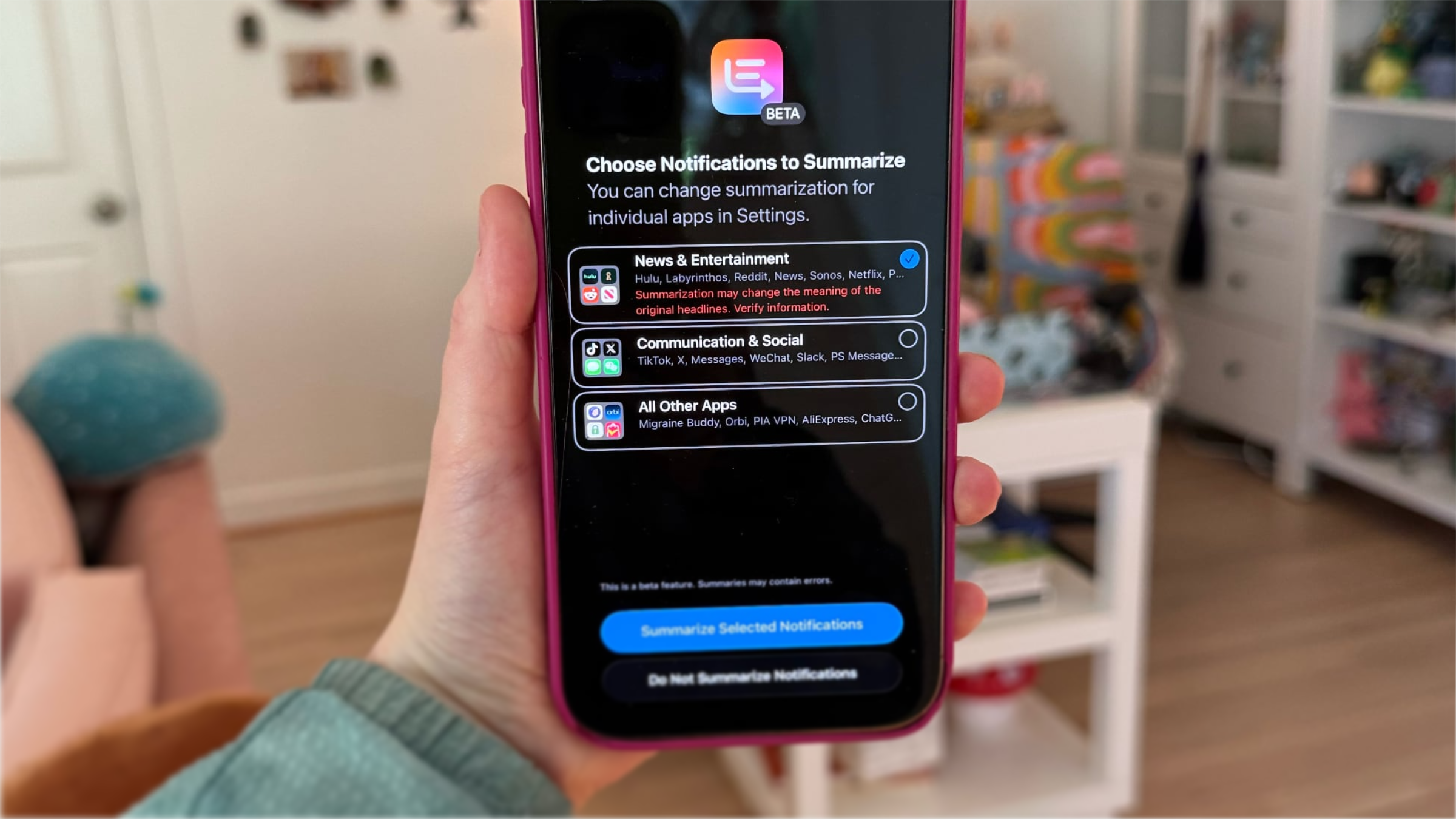
Apple AI Summaries onboarding screen. Source: MacRumors
The summaries appeared in the iOS 18.3 beta. The BBC, Sky News, The Telegraph and The Washington Post raised concerns, while the National Union of Journalists and Reporters Without Borders called for the feature’s removal. On January 16, Apple paused summaries for news and entertainment and added a notice that the content “may contain errors.”
For designers, the interface is only one part of the experience. The underlying feature’s behavior must support the claims its presentation makes. If a product condenses information, users need a reliable way to judge what has been summarized and whether the result is accurate. A refined interface can intensify a mismatch between promise and performance, because visual confidence can shape how people interpret uncertain output.
When a rebrand changes familiar cues
Twitter’s transformation into X illustrates how brand changes affect a product people already know how to use. Elon Musk completed his acquisition of Twitter in October 2022; by July 2023, the service had adopted the X name and removed its blue bird identity. “Tweets” became “posts,” alongside a stated ambition to build an “everything app.”
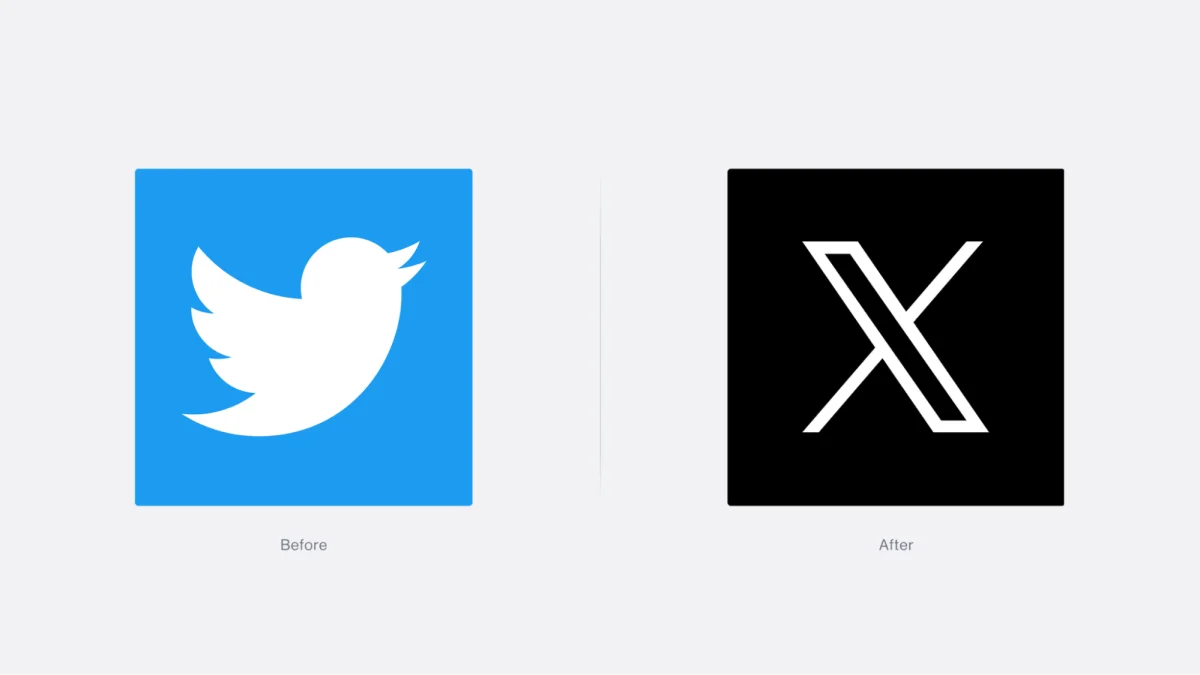
Twitter’s logo, before and after
The source puts Twitter’s brand value at $5.7 billion before the change and an estimated $0.7 billion by 2024, citing Brand Finance. It also reports a revenue decline of 50–66%. Many users continued to call the service Twitter. That persistence matters: brand recognition lives in habits and language, as well as in a logo.
A rebrand can express a product’s intended future, but the transition still has to make sense to its current users. If familiar visual cues and terminology disappear before people understand the new direction, the interface can communicate disruption more clearly than purpose. The design challenge is to connect the new identity to the tasks and relationships that made the product recognizable.
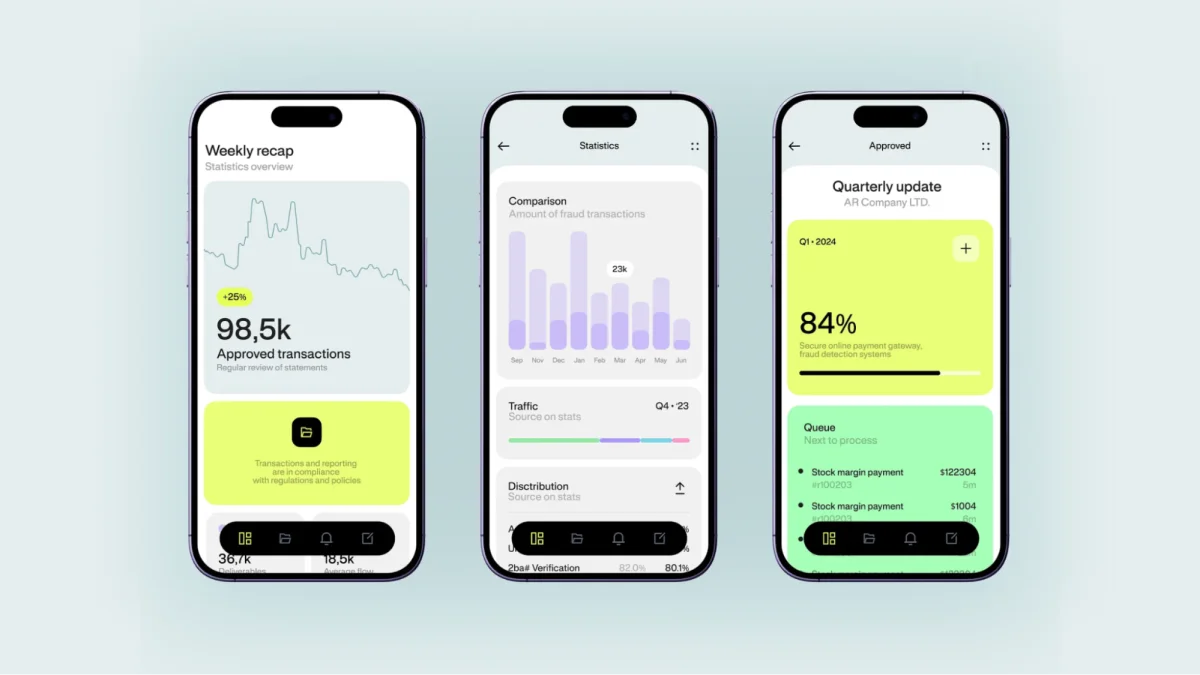
Financial Security App
Five signals that the design needs another look
Teams don’t need to wait for a high-profile failure to catch a gap between appearance and use. Product data and user feedback can point to trouble early:
- Conversion is falling. If people struggle to complete the task they came for, unclear calls to action or unnecessary steps may be getting in the way.
- Bounce rate is rising. A landing page can look striking yet leave visitors unsure what it offers or what to do next. Check whether the first screen communicates the product’s value and purpose.
- Users miss the core feature. Search, purchase, publishing or configuration may have become harder to find after a redesign. Track whether users reach the action the product exists to support.
- Trust is weakening. When the interface sets expectations that the actual experience doesn’t meet, people may read the gap as carelessness. Changes to familiar patterns can make that gap harder to bridge.
- Hidden work is growing. Confusing flows can increase support requests, trigger post-launch fixes and extend development. Those costs compound when users leave as a result.
One signal is enough to prompt investigation. The next step is to find out where the experience breaks down, rather than assuming the visual treatment itself is the answer.
Three stages to complete before detailed UI work
1. State the problem and audience
Write down who the product is for and what specific problem it solves. Get the team aligned on those statements before placing components or choosing colors. Without this shared brief, designers can end up polishing an abstract screen rather than supporting a real scenario.
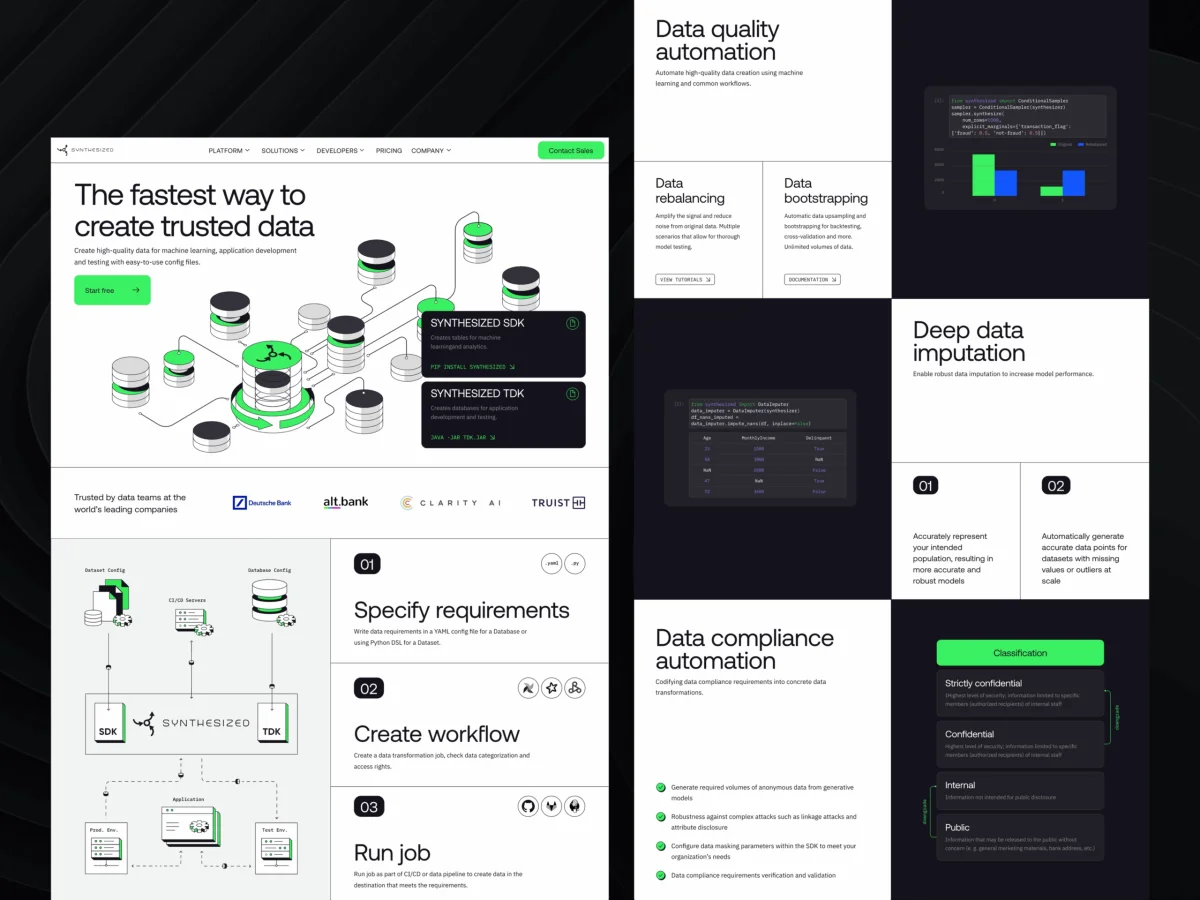
Synthesized: Home Page Design
2. Agree on the essential functions
Once the audience and problem are clear, define the functions the product needs to perform. User research helps teams understand people’s behavior, context and motivations directly. Watching users attempt real tasks offers evidence that internal assumptions cannot provide. The Nielsen Norman Group’s discovery-phase guidance on requirements and constraints is one reference for structuring this work.
3. Map the information architecture
Information architecture organizes content, navigation and the transitions between screens. It gives the product a structure users can understand and helps the team see how key tasks fit together. Complex products often need a considered architecture; simpler ones may be mapped clearly in a mind map. Either approach should happen before detailed visual styling.
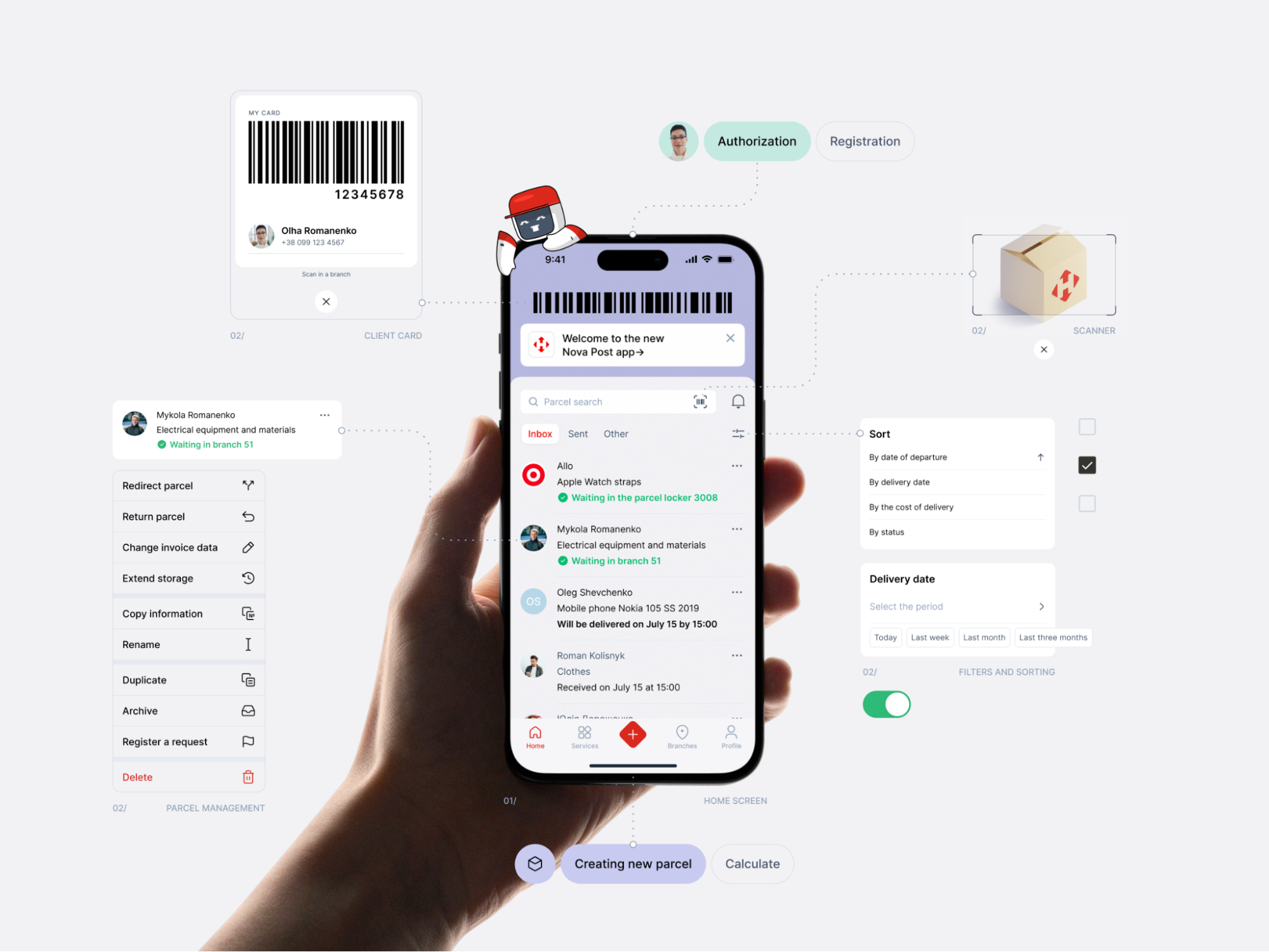
Nova Post App: Home Screen Functions Design
Two useful stages for testing the structure
Map user journeys. For a complex flow, a journey map can reveal where people may stall before that friction reaches a live product. For a simpler experience, a short workshop built around a user scenario may be enough to expose gaps.
Test low- or mid-fidelity wireframes. Use rough prototypes to check navigation, structure and core tasks before investing in detailed visual work. Testing with users at this stage can surface problems while the screens are still easy to change.
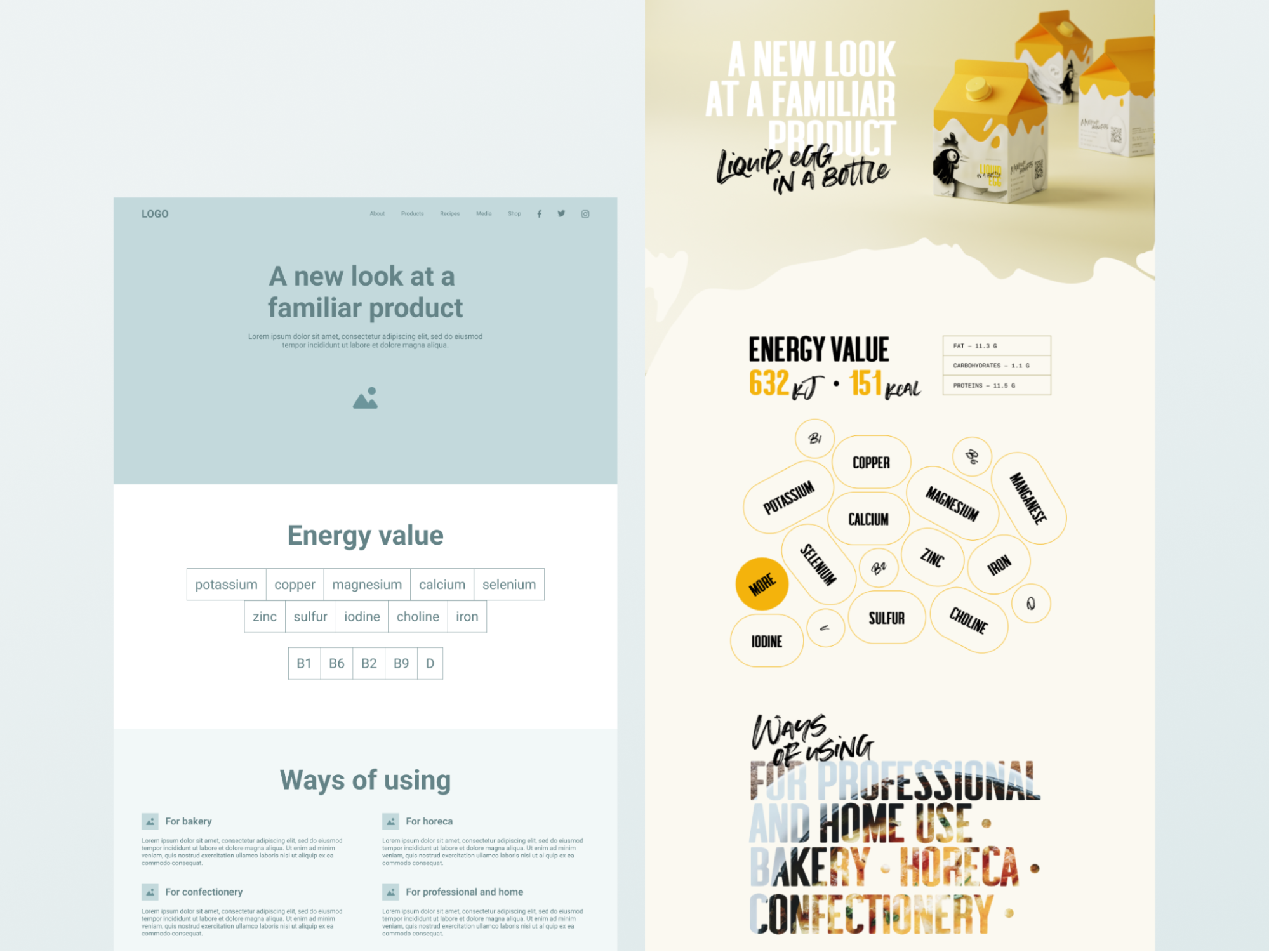
Mid-fidelity vs. high-fidelity wireframes
Make the visual layer earn its place
Fast mockups and polished screens are easy to present, while discovery documents can seem less tangible. Yet the research, architecture and prototype work gives the visual system a clear job: help people understand the product and complete their tasks.
Starting with structure doesn’t make design slower. It moves important decisions to a point when the product is still open to change. Teams can adjust a wireframe more easily than rebuild a finished interface, and they can catch mismatches before those problems reach customers.
Ask what the product needs to do, who it serves and how people will move through it. Then choose the visual language. When the function is clear, beauty can make the experience more legible, memorable and useful.
Recommended reading
More design perspectives from Tubik Studio:
The Glass Is Half Empty: How Apple’s Boldest Redesign Missed the Point
User Experience: Insights Into Consistency in Design
Drawing Attention: The Real Power of Illustrations in UI Design
Talk First, Design Later: The Secret to Better Projects
The Anatomy of a Good Design Review
Small Elements, Big Impact: Types and Functions of UI Icons
Motion with Intent: How Animation Earns Its Place in Mobile UI
| Rev | Description | Date |
|---|---|---|
| A | Issued for reading | |
| B | Viewed 946 times | Current |