Children’s Brand Color: Build a Warm Palette Without Relying on Black
- Project
- Graphic Design
- Drawn by
- Peter Makeshoff
- Issued
- Sheet
- A-39
Research cited in the source favors warm, saturated hues for children’s brands. Here’s how to use that finding as a practical design guide.
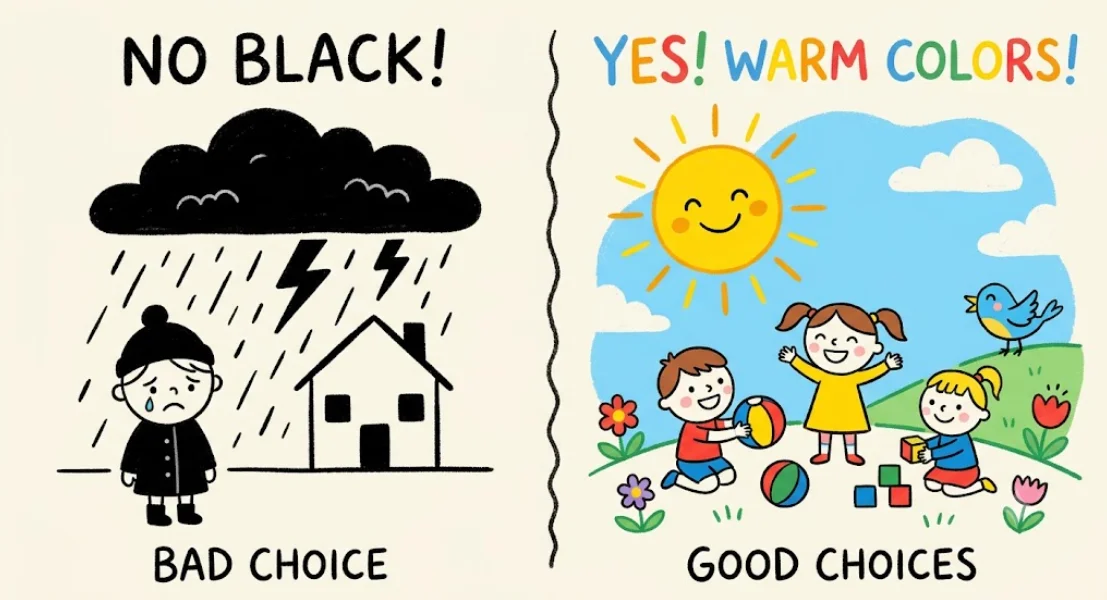
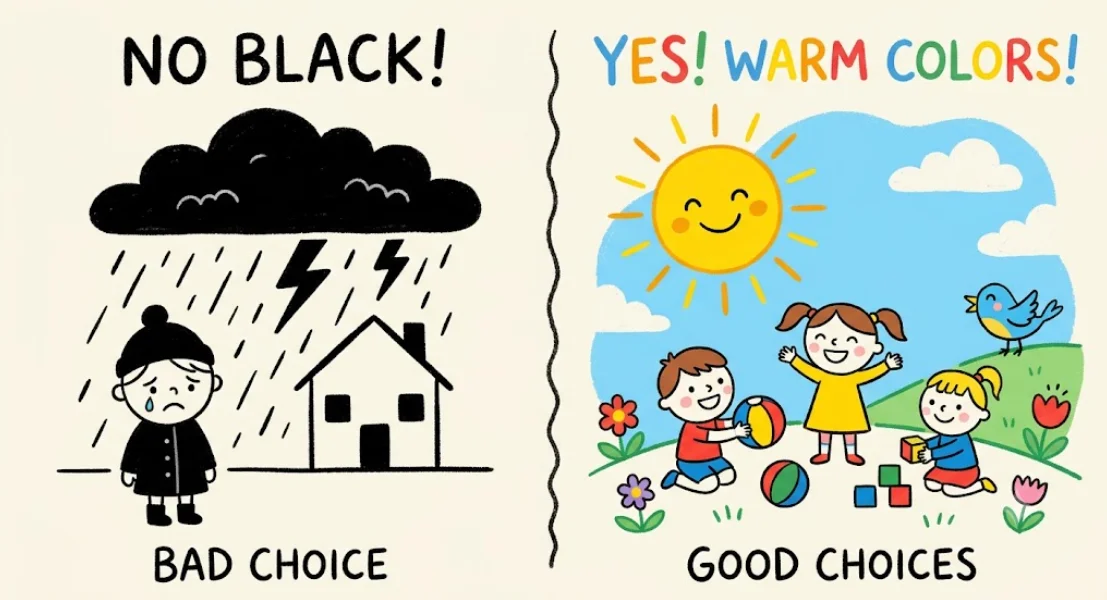
For a children’s brand, color has to work for two audiences at once: the child noticing the product and the adult deciding whether it feels right to buy. The source research points toward warm, saturated hues as a useful starting point, while black can make a product feel more formal or distant. That’s a design signal to consider, not a rule that every children’s identity must follow.
Color also works alongside typography, imagery, naming, and the way a product appears in a shop. A palette that feels lively on a package might look overwhelming across a website; a dark wordmark might provide needed contrast on a bright background. The practical question is less “Which color is forbidden?” and more “What impression does this combination create in this context?” For more on the other half of that identity system, see this guide to choosing brand typography that ages well.
What black can communicate
Black is commonly used to suggest authority, elegance, or seriousness. Those qualities can suit some categories, but they may not express the warmth and playfulness many children’s products aim to convey. The article cites research linking black in online children’s goods stores with “a significant decrease in site conversion.” The source doesn’t provide the study’s sample or method in the article, so treat that result as a reported finding rather than a universal prediction for every shop.
That distinction matters in practice. A color’s effect depends on its role and surroundings: a black interface background, a black logo, and a small dark accent are different design decisions. Test the full composition at the sizes and places customers will encounter it. A logo that looks polished on a presentation slide may read as severe when it appears beside bright toys, children’s clothing, or playful product photography.
Parents’ expectations are part of the visual brief. The source describes warmth, safety, and trust as important cues, and points to yellow, orange, pink, and soft purple as colors associated with positive or child focused impressions. These associations can help guide early concepts, but they shouldn’t replace audience research. Families don’t all respond to color in the same way, and a product’s category and positioning shape what feels appropriate.
Build a palette around the product
Start by listing the qualities the brand needs to convey, then decide which colors can support them. Yellow can bring brightness and optimism; orange can add warmth; blue can balance a lively palette; pink or soft purple can shift the mood toward a gentler or more decorative feel. These are design hypotheses to test, not fixed meanings. Use swatches, packaging or screen mockups, and real product imagery to check whether the combination communicates the intended character.
A study of children’s clothing brands cited in the source found that reddish to yellowish hues were common. It also reported that brands aiming for a “cute” or “gorgeous” image used a wider range of colors, while those aiming for a “luxurious” image used less saturated ones. That offers a useful distinction for art direction: the right level of saturation depends on the intended brand personality. A mass market children’s range may call for more visual energy; a quieter premium identity may use a restrained palette without becoming cold.
Build hierarchy as well as mood. Choose one or two colors to carry the main identity, then set supporting hues for buttons, labels, illustrations, and product variations. Check how the palette works in small formats, such as an app icon or a product tag, and in large fields, such as a store page or packaging panel. Keep text easy to read against each background, and test the combinations across the actual materials and screens the audience will use.
What the Ginoble example shows
The source describes a 2024 naming mistake by children’s shoe brand Ginoble. A yellow shoe was labeled “Servant Yellow” after a translation error involving the Pantone color “Minion Yellow.” Following a consumer complaint, the company removed the shoe and apologized, according to the linked reports: .
The episode concerns naming, not palette selection, but it underlines how a color’s surrounding language affects its reception. Names, translations, and labels are part of the visual system: they give viewers a frame for interpreting what they see. A review process that checks color names and product copy in the markets where they’ll appear can catch mismatches before release.
Use the research as a starting point
The source also identifies gray as a less suitable choice for children’s products and notes that purple can suggest luxury. Those broad observations need context. Gray can support legibility or give a bright accent room to breathe, while purple can be playful or refined depending on its shade and combination. A color should be assessed in the complete identity, rather than removed solely because it carries another possible association.
For design teams, the most useful takeaway is to test the emotional brief against the actual palette. Ask whether the identity feels inviting to children and reassuring to parents; check that color supports the product’s positioning; and review the result across packaging, ecommerce pages, and small interface elements. Warm, saturated hues offer a strong starting point in the research cited here. The final palette should earn its place through clear hierarchy, readable combinations, and a character that fits the brand.
The original post, The Color You Should Never Use for a Children’s Brand, appeared on Designer Daily: graphic and web design blog.
| Rev | Description | Date |
|---|---|---|
| A | Issued for reading | |
| B | Viewed 847 times | Current |